
Wood-Look Flooring: Compare the Material Behind the Pattern
Wood imagery appears across several flooring categories, but similar-looking surfaces are not interchangeable products. Begin with the appearance you want, then compare construction, maintenance and the room's needs. A clear material comparison is more useful than choosing from a room photo alone.
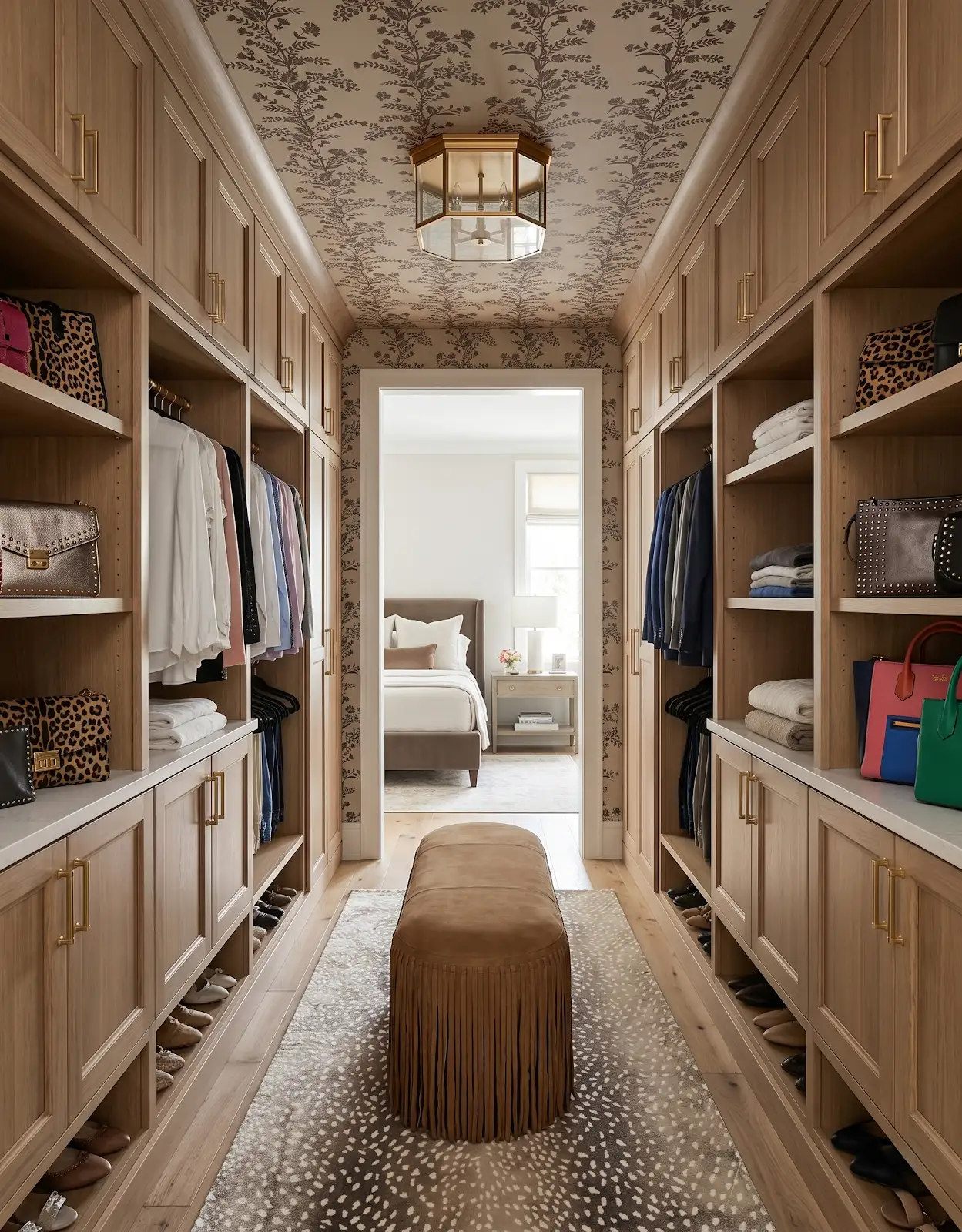
AI-generated design concepts from Anna’s approved inspiration library. Images illustrate color, proportion and finish relationships; they are not completed customer projects or exact manufacturer products.
1. Describe the wood appearance
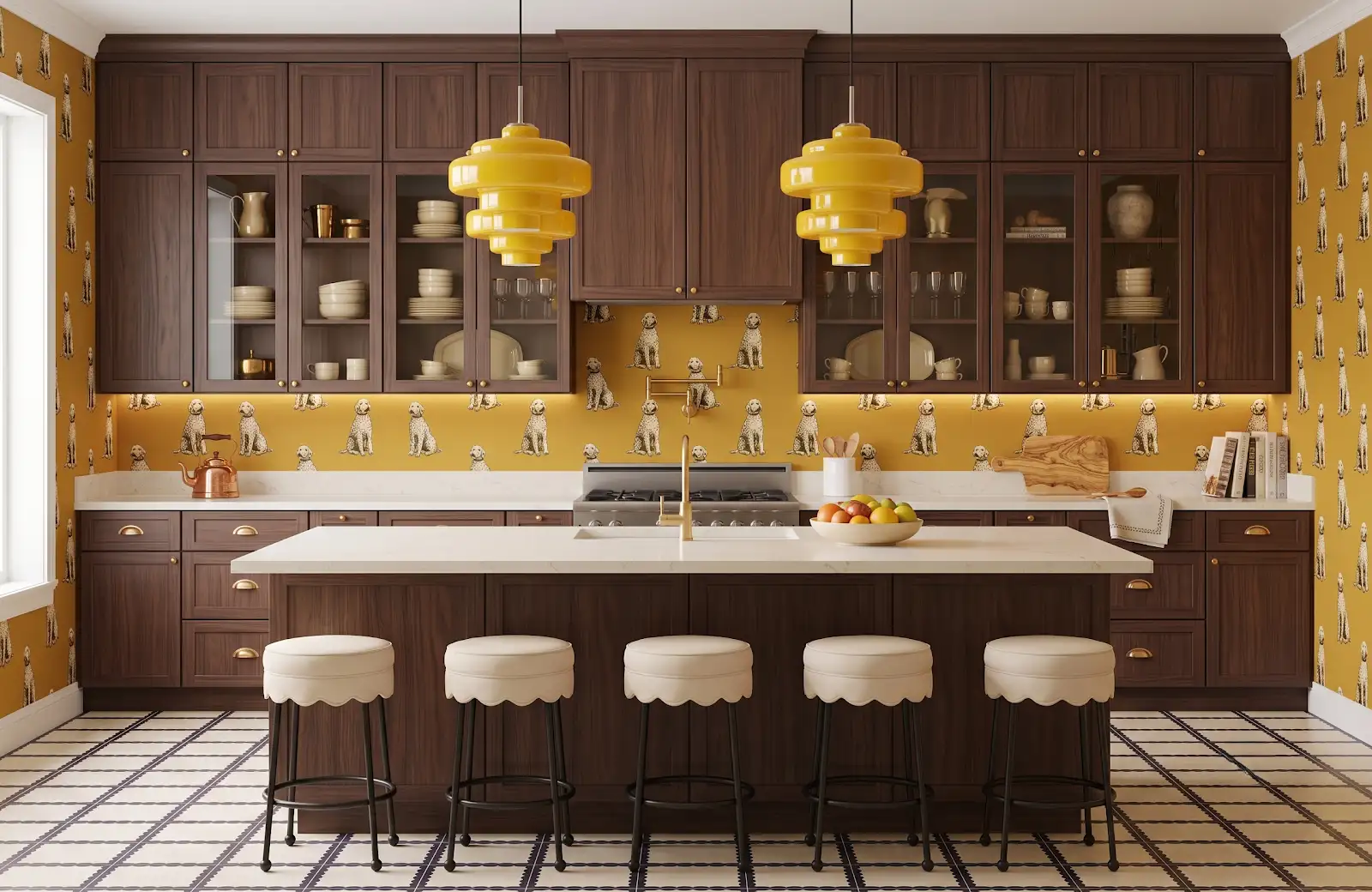
Choose the grain, tone and amount of variation you enjoy. Keep that visual direction separate from the material category for now. A reference image can help explain the look without establishing whether the floor is wood, vinyl, laminate or tile.
2. Look at real wood options
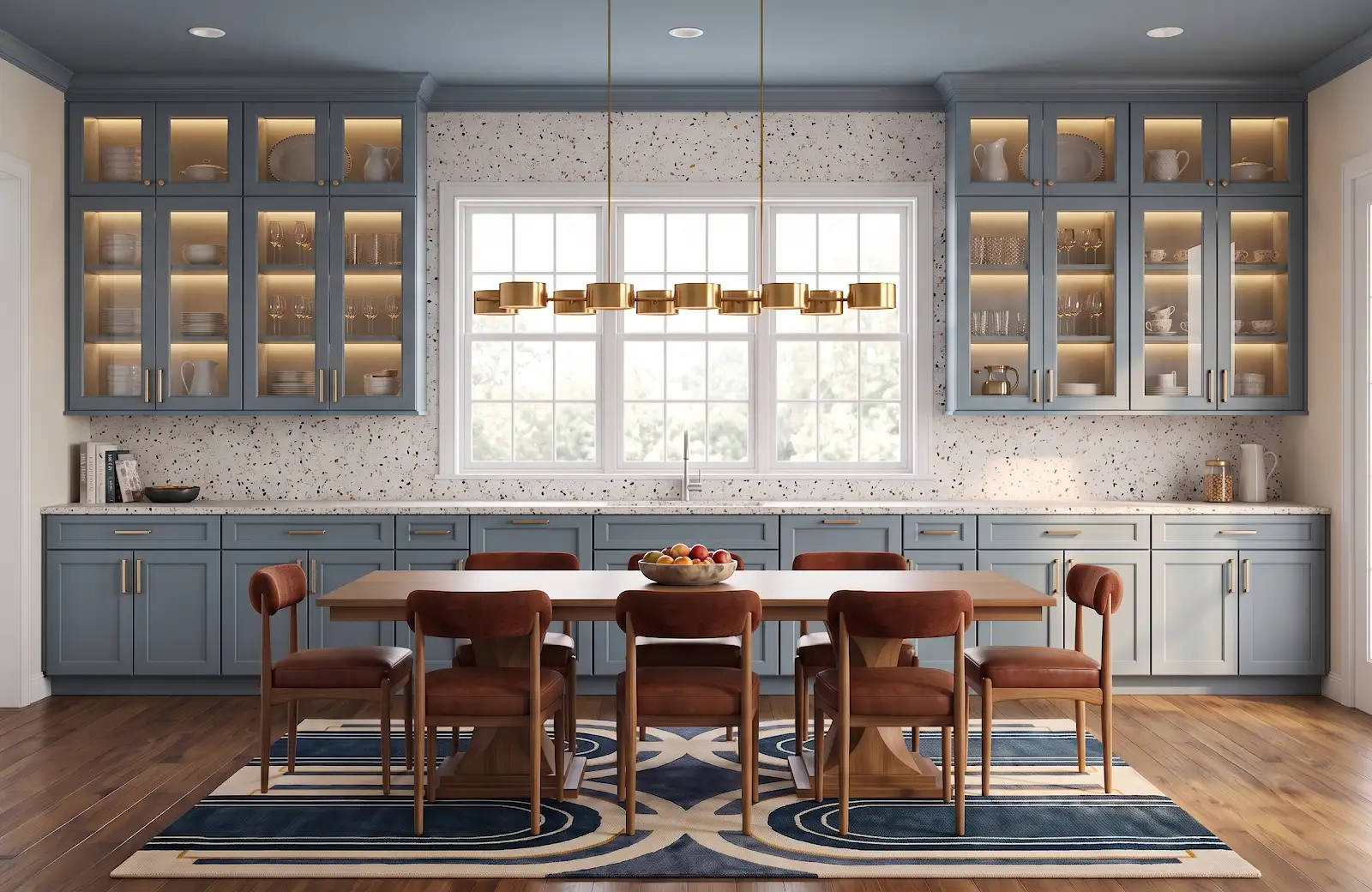
If a real wood surface matters to you, explore hardwood offerings and ask about their construction. Compare the specific product's finish and care requirements. Galleher and TAS Flooring are useful catalog starting points for that discussion with The Design Center.
3. Compare luxury vinyl on its own terms
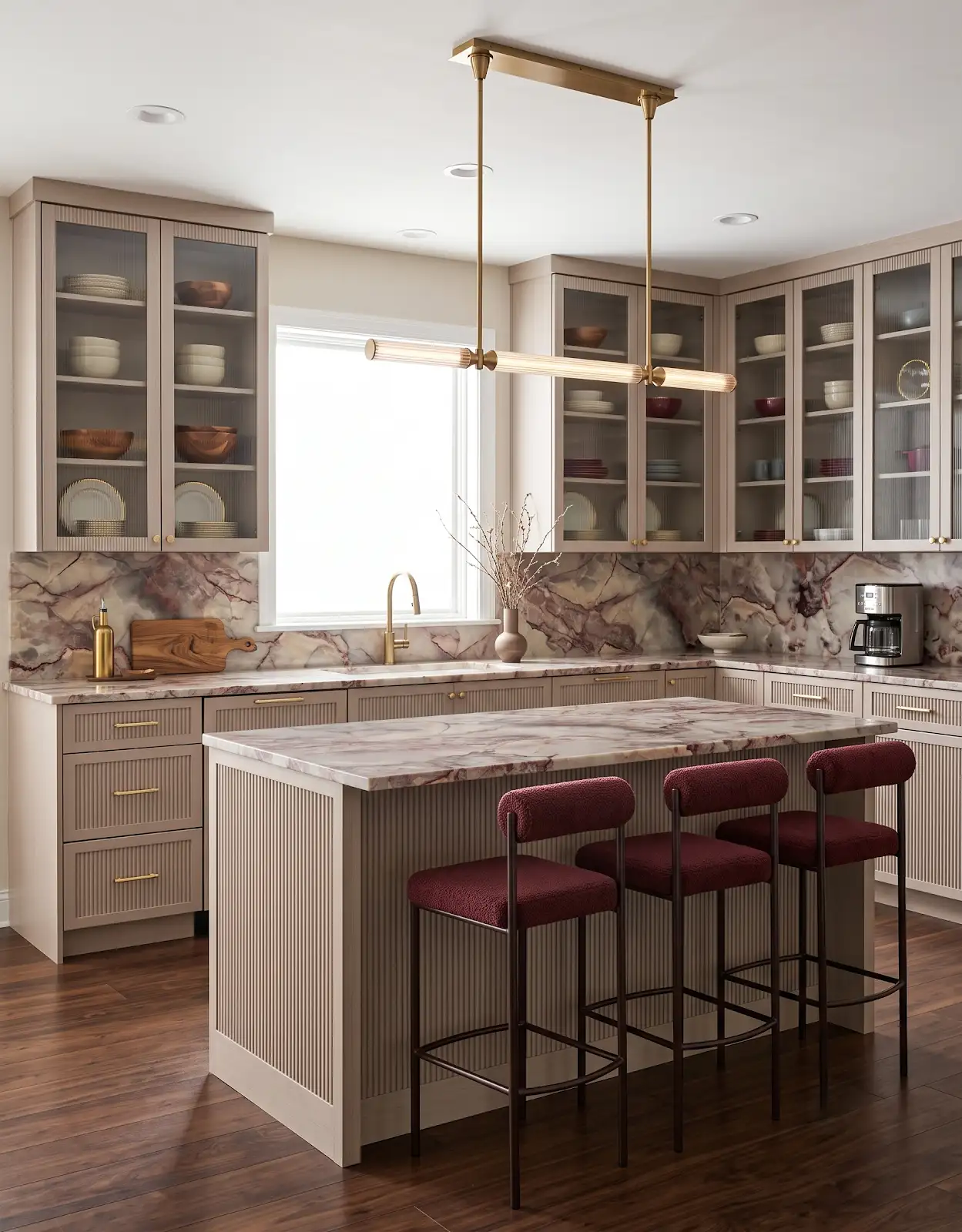
Review the selected vinyl product rather than treating every collection as the same. Ask about construction, room suitability, cleaning and installation requirements. Compare larger pattern examples so the wood-like appearance is judged across a room, not only on one small sample.
4. Give laminate a separate comparison
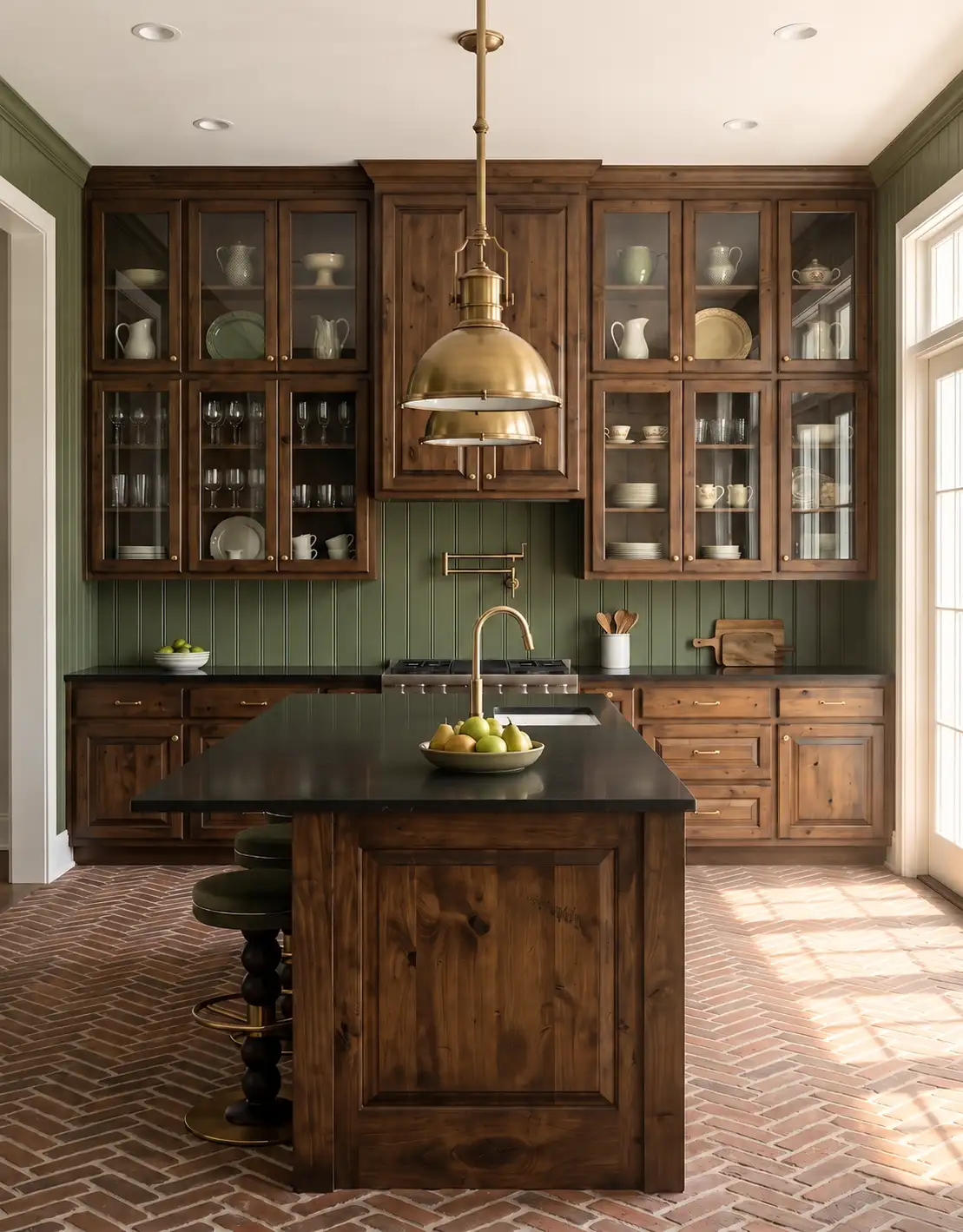
Look at the collection's surface appearance and product guidance. Record any room-use or water-care requirements that affect your project. A similar brown color does not make laminate interchangeable with vinyl or wood, so keep the product details with each sample.
5. Consider wood-look tile
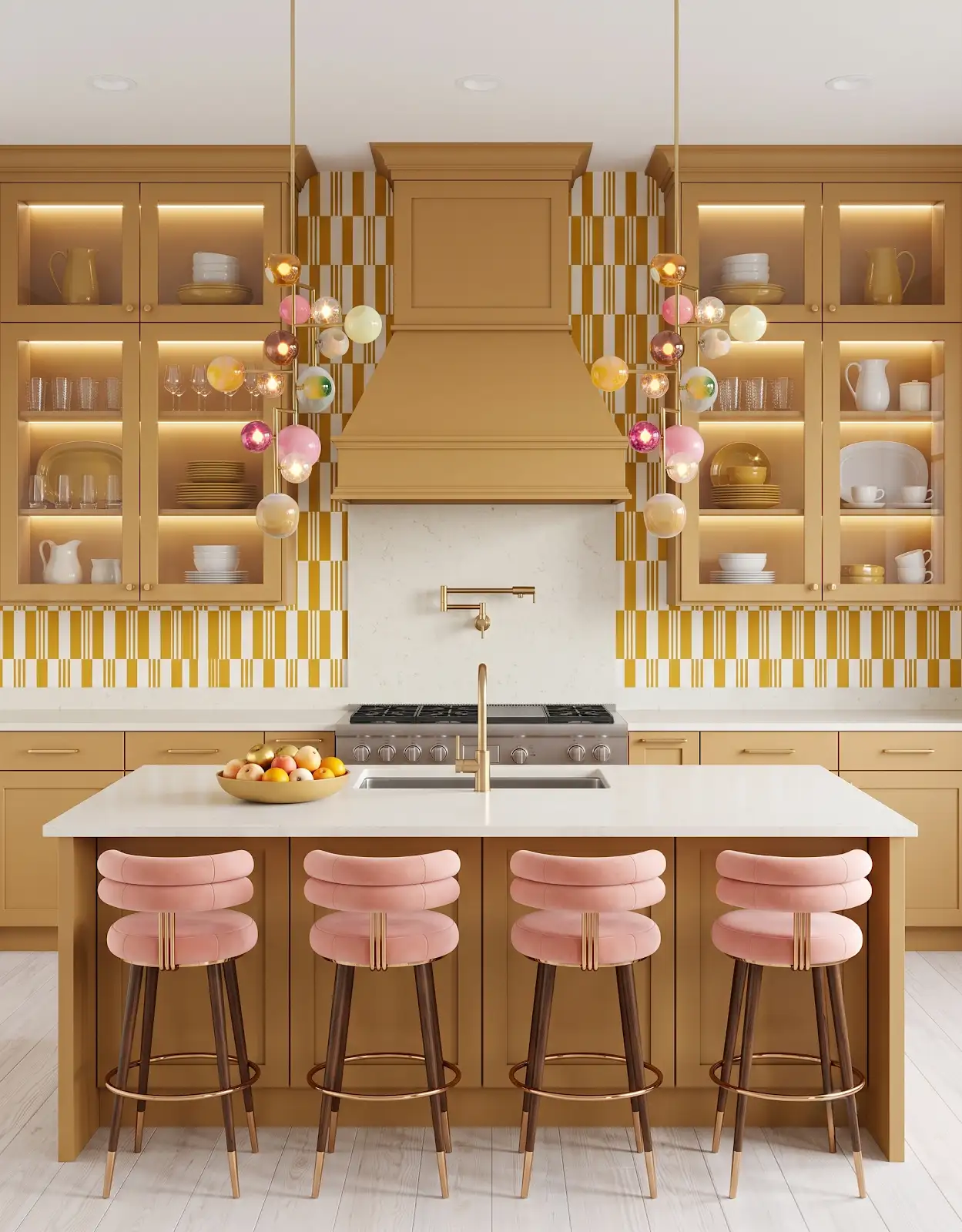
Tile can provide a wood-like pattern with a different visual rhythm because the joints remain part of the layout. Browse appropriate floor-use options and discuss the proposed arrangement with the installer. Compare grout and plank-like tile dimensions alongside the room's cabinetry.
6. Ask about the room conditions
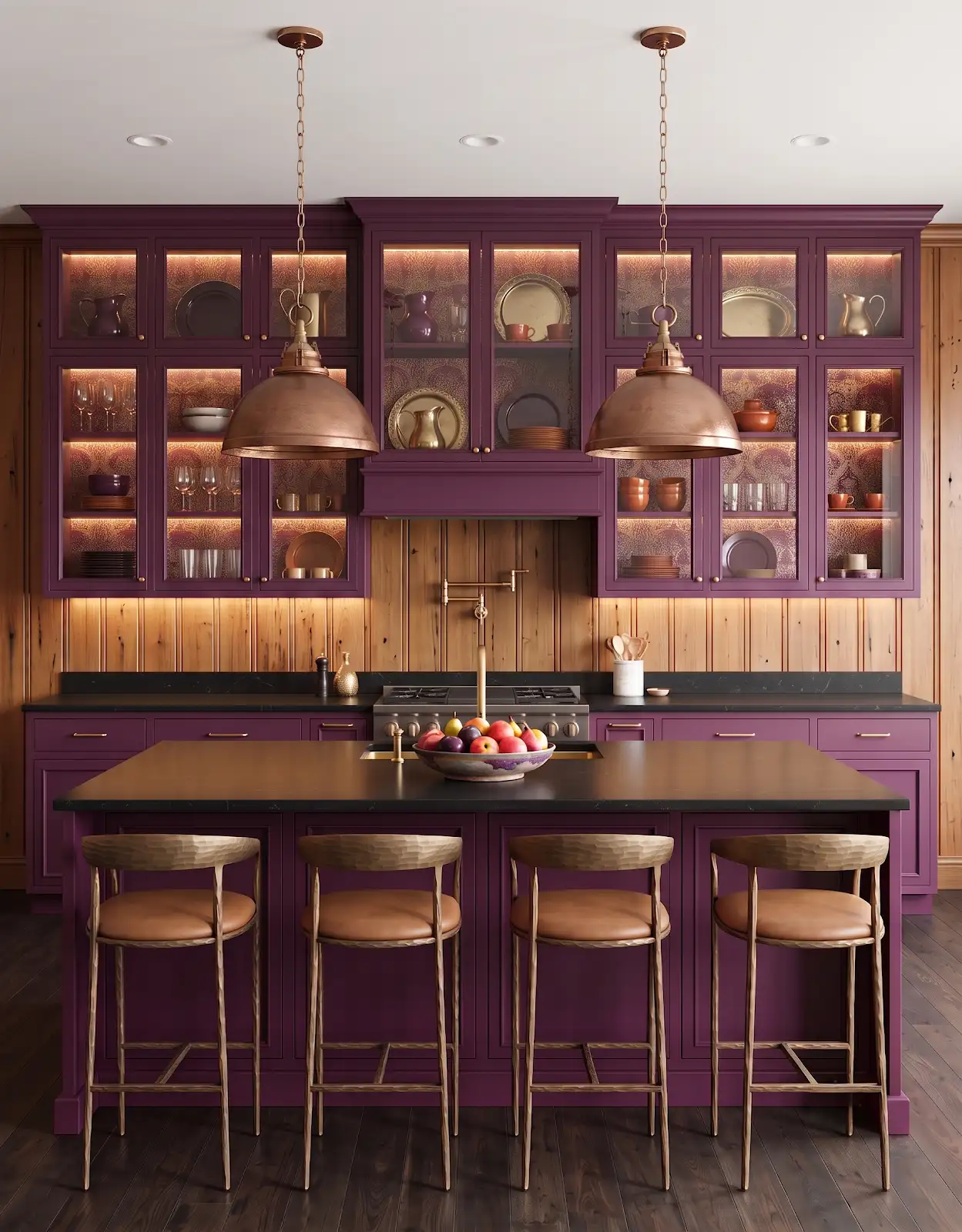
Tell the installer about the existing floor, expected moisture and any conditions relevant to preparation. The selection should be reviewed for the actual project. A material's appearance in a laundry or bathroom concept does not establish its suitability there.
7. Look for pattern repetition
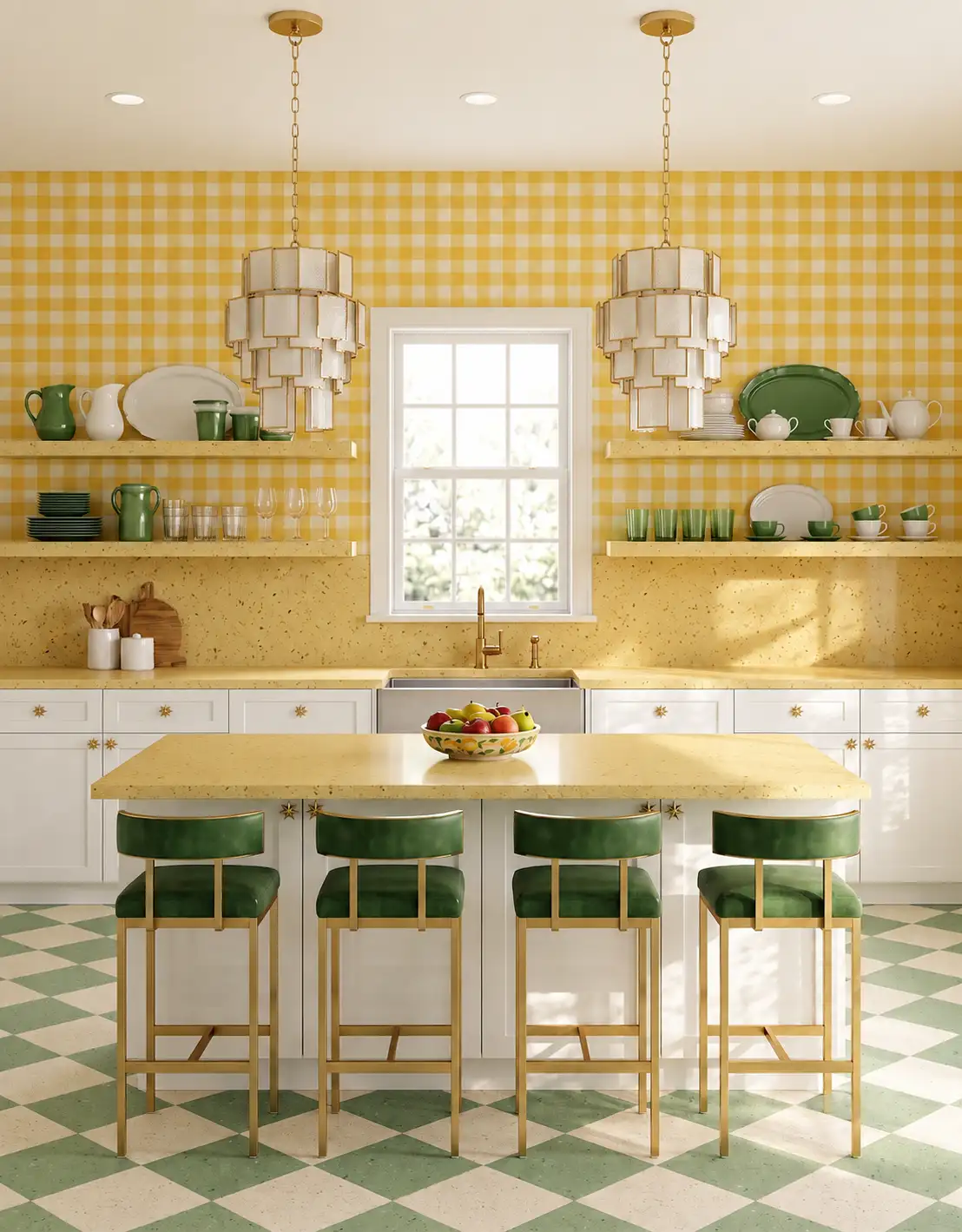
Ask for multiple boards, tiles or representative installation imagery. Notice how often distinctive knots or markings repeat. A sample that looks natural by itself may create a different impression when its most recognizable feature appears several times in the room.
8. Include the finishing pieces
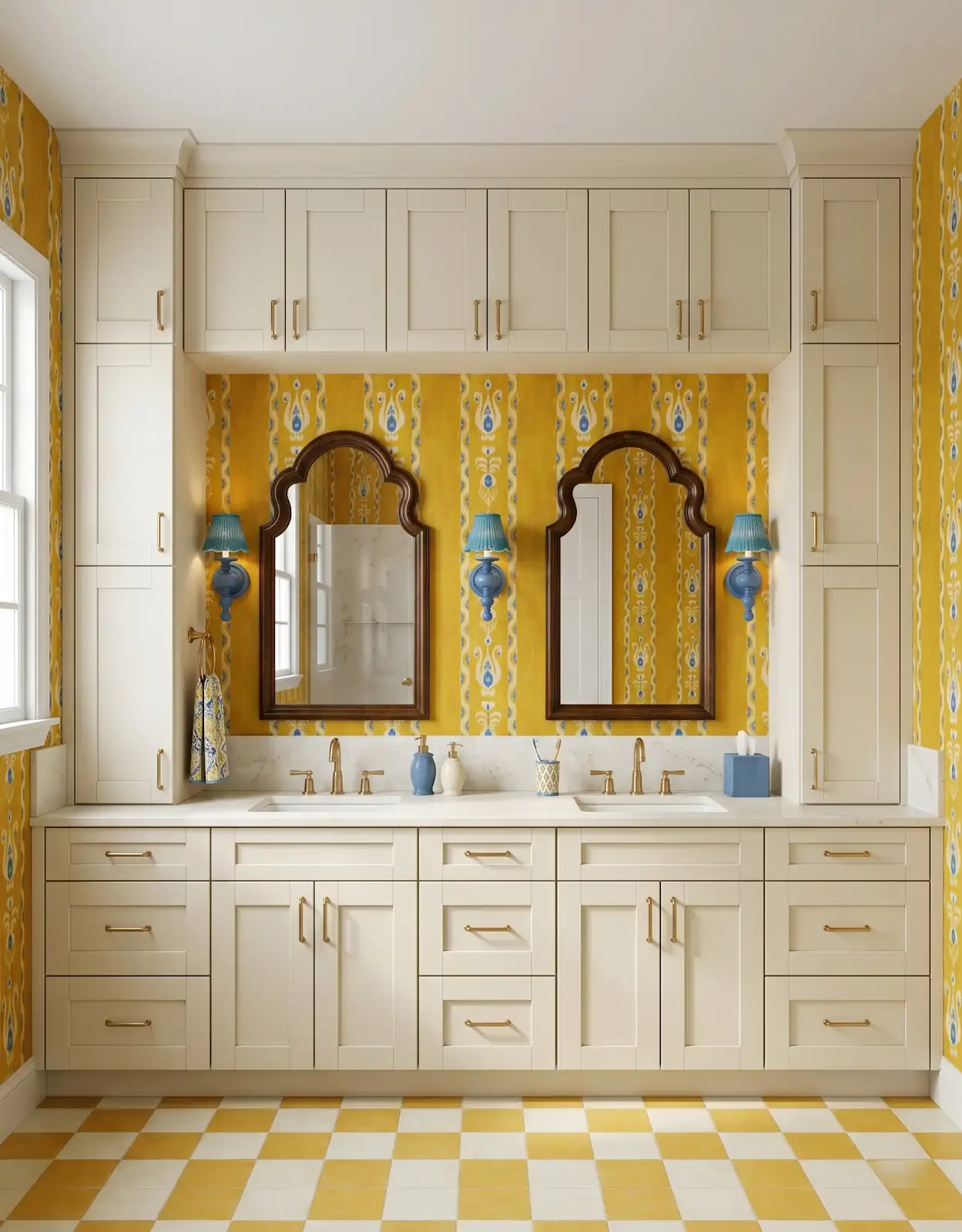
Record stairs, thresholds and adjoining surfaces before completing the shortlist. Ask which compatible transitions and accessories are available for the selected collection. These pieces affect both the overall appearance and the complete order, even though they rarely dominate an inspiration photo.
9. Compare like-for-like information
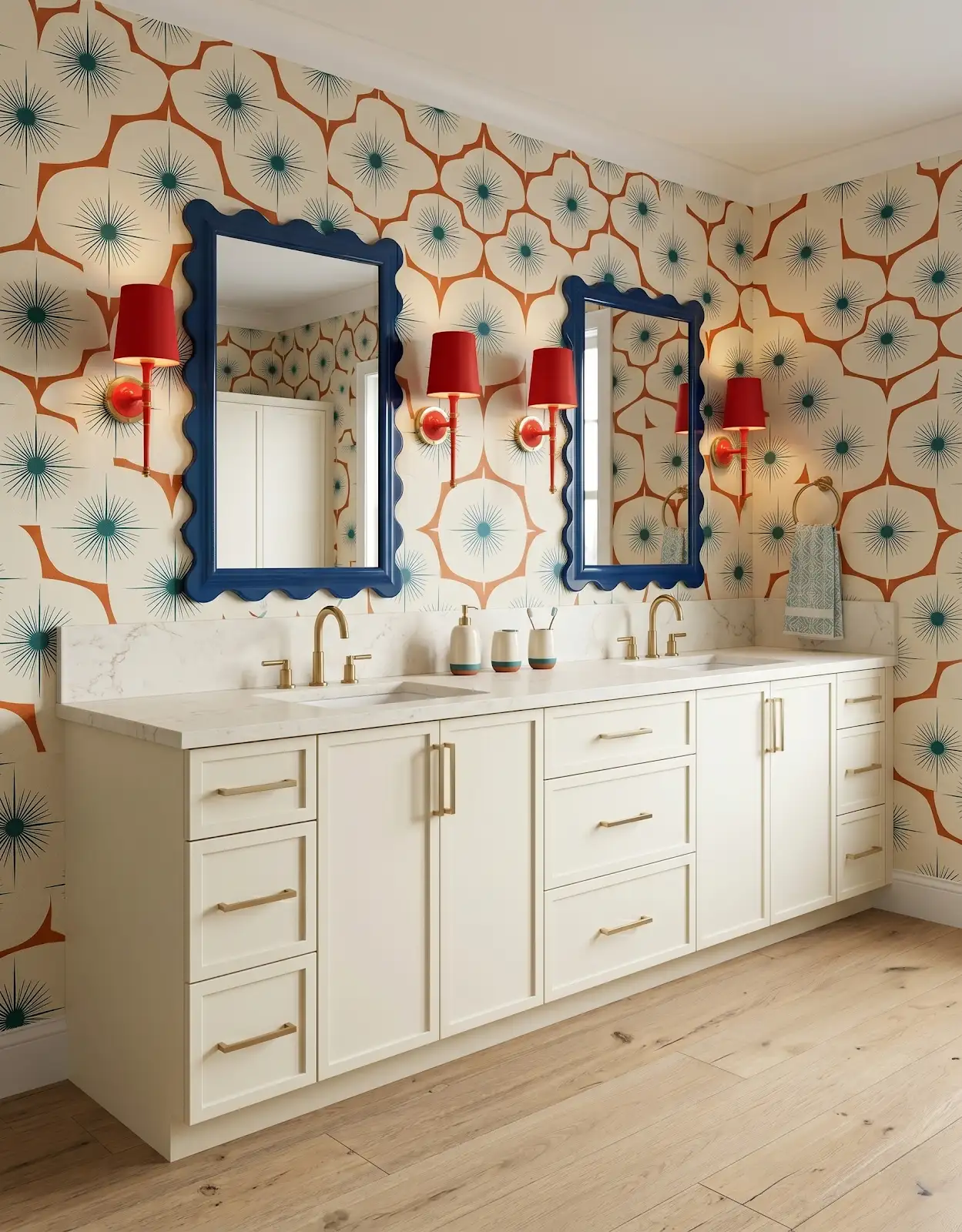
Bring a short list with the supplier, collection, color and material category for each option. The Design Center can help organize the comparison. Keep final pricing and product requirements specific to the selection rather than drawing conclusions from broad category labels.
Compare the options with The Design Center
Browse the relevant guides and official catalogs, then bring your room photos and exact product details to the showroom. We can help coordinate selections and confirm availability, pricing and timing for your project.
Flooring in Orofino, Idaho Mohawk TAS Flooring / T&A Supply Galleher Hardwoods Browse Mohawk flooring TAS luxury vinyl Browse prefinished hardwood All design ideasTHE DESIGN CENTER / OROFINO, IDAHO
Come in with an idea. Leave with a direction.
A favorite color. A cabinet sample. A room that needs a little love. Bring it to the showroom and let’s find the finishes that feel like you.
Step inside the showroomFind us on Johnson Ave.
124 Johnson Ave, Orofino, ID 83544
Monday–Friday · 8am–5pm
Call or text 208-786-0361
Directions & contact details